AI rap video examples
Four scenes. Four different duos. Watch each complete 12-second AI-generated showcase with vocals and music.
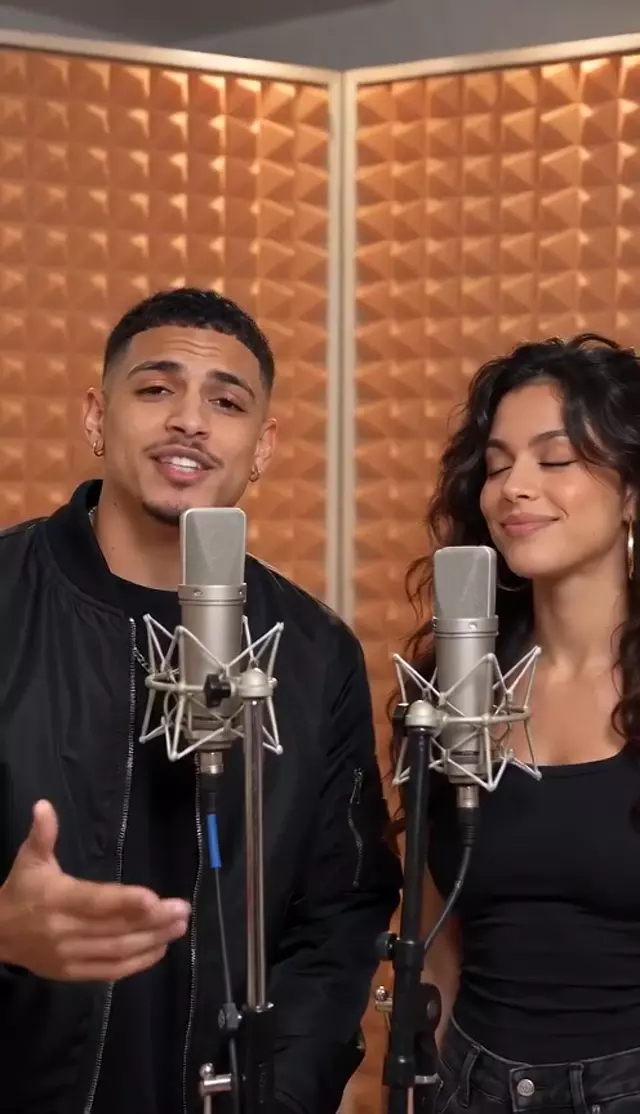
Orange Booth
Watch a 12-second AI rap duet with two singers and studio microphones in a warm orange recording booth.
Watch the 12-second video →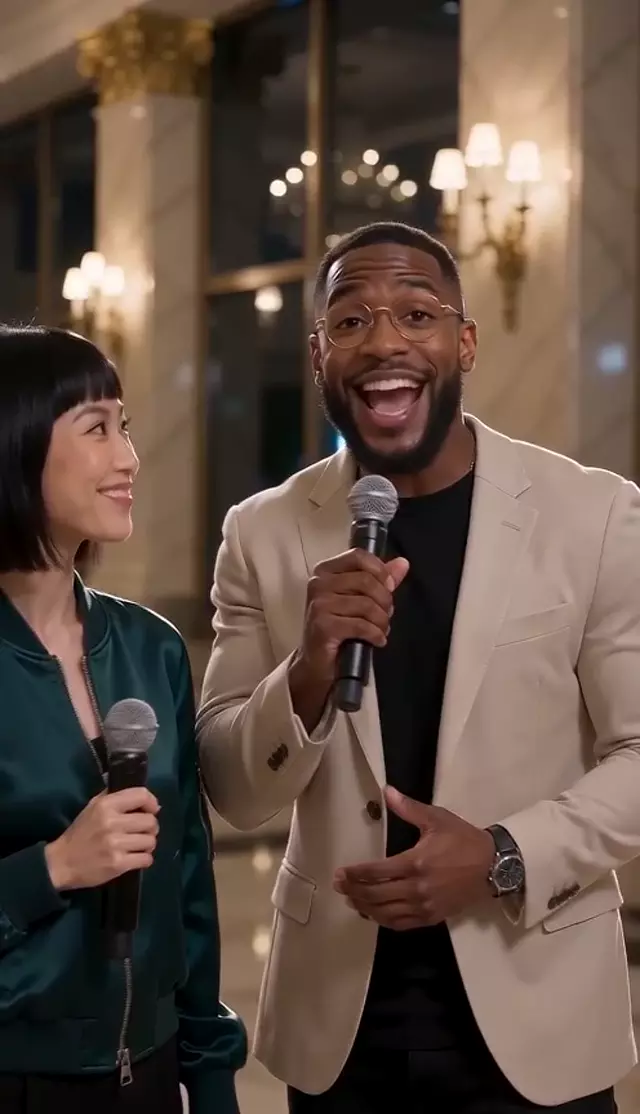
Hotel Lobby
Watch a 12-second AI rap duet in a warmly lit hotel lobby, with two performers, handheld microphones and music.
Watch the 12-second video →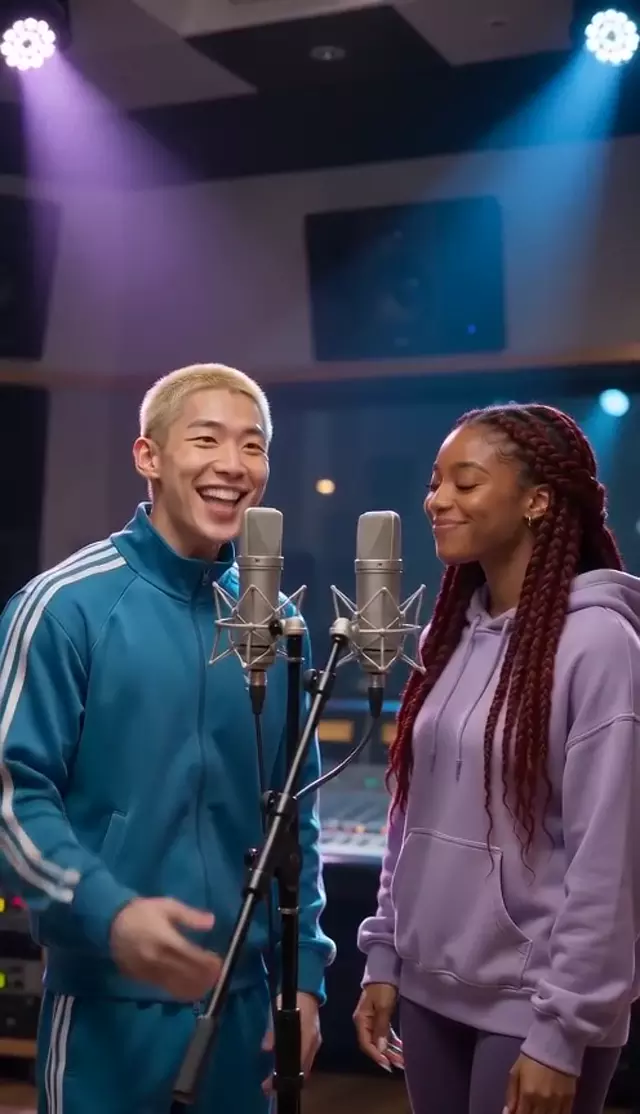
Recording Studio
Watch a 12-second AI rap duet in a blue and violet recording studio, with two performers and an original musical backing.
Watch the 12-second video →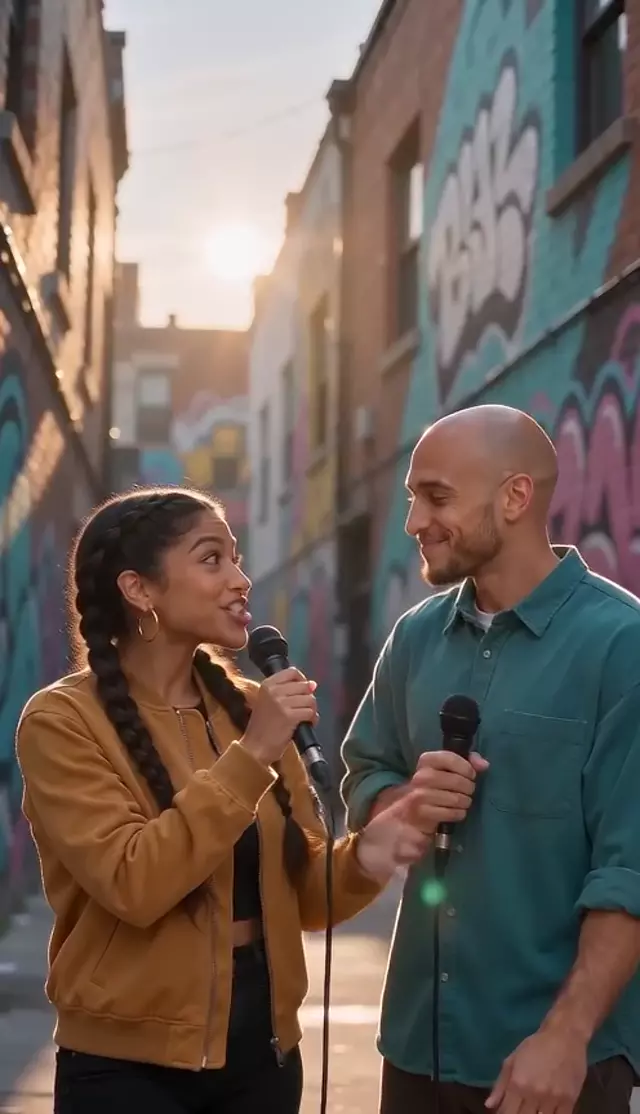
Street Cypher
Watch a 12-second AI street rap duet with two performers, handheld microphones, a graffiti backdrop and music.
Watch the 12-second video →These are AI-generated examples, not customer testimonials. Your own video uses the photos, scene and topic you choose. See the $4.99 one-time price.
How to turn two photos into a rap video
SolmiAI Rap Stage is an AI rap video generator that turns two portrait photos into a duet with lyrics, music and vocals. Upload one photo for each adult performer, choose a scene and add an optional topic. The finished video is available as a downloadable MP4 in your account.
- Photos
- Two separate portraits · JPG, PNG or WEBP
- Video length
- 5, 8, 10, 12 or 15 seconds
- Video quality
- 480p or 720p
- Video format
- 9:16 vertical, 1:1 square or 16:9 wide
- Upload two clear portraits. Use one person per photo, with the whole face visible and well lit. Use photos you have permission to use, with adults only. Compare good and unsuitable photos.
- Choose the setting. Watch the four examples above, then select Orange Booth, Hotel Lobby, Recording Studio or Street Cypher in the creative studio.
- Give the rap a direction. Open “Make it yours” to add a short topic and select the rap language and format. A topic such as “a birthday rap for two best friends” describes the occasion; it is not a requirement to write complete lyrics.
- Check your settings and purchase. Open “Video settings” to review quality and length. A saved draft may restore an earlier selection. Generation starts after payment is confirmed; pricing and checkout details are available before you buy.
- Watch and download. Sign in with the same account to find the completed video and its Download MP4 button. Read the retry and refund policy if a generation fails.
Photo-to-rap questions
Do these rap videos include music or only speech?
All four public examples include rap vocals and musical backing in the video. Play a complete example with sound to hear the performance and watch the mouth movements together.
Are all videos twelve seconds long?
The four public showcases are twelve-second examples. When creating your own video, you can choose 5, 8, 10, 12 or 15 seconds. The examples are illustrations, not guarantees of an identical result from another pair of photos.
Does choosing a demo replace my uploaded photos?
No. The homepage demo gallery changes the sample video and matching sample portraits. Your own uploaded photos and the scene selected inside the creative studio remain separate. Replace the photos in the upload boxes to change your performers.
Can anyone download my generated video?
Generated video downloads require the signed-in owner; authorized administrators have a separate protected access route. Public showcases are separate from customer videos. Read how photos, videos and account information are handled.